
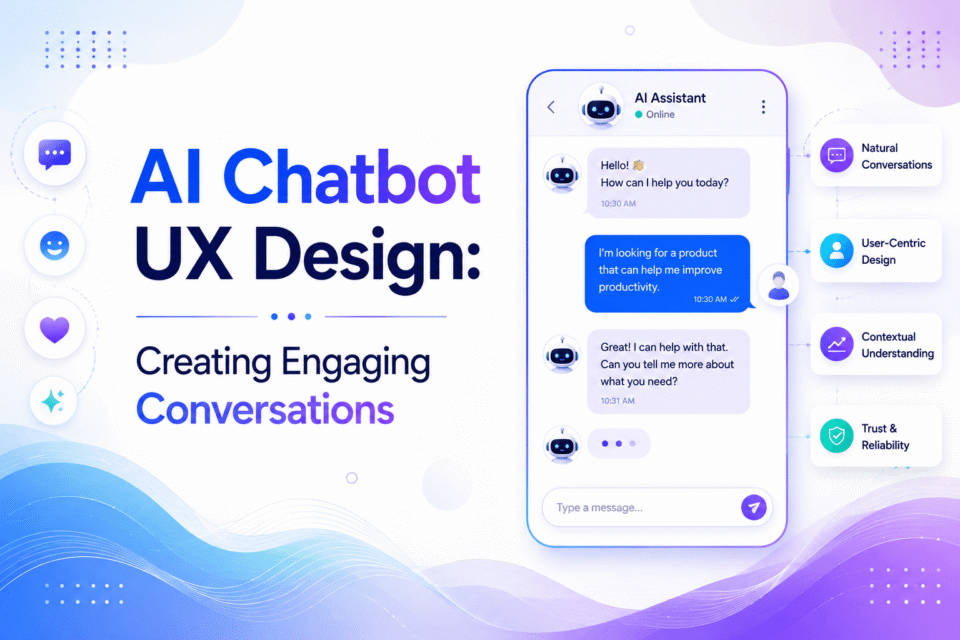
An AI chatbot is no longer just for answering questions. With businesses today relying on them to direct customers, solve problems, recommend products, collect data, and assist internal teams, the uses are far-reaching. But a basic AI chatbot can provide a subpar experience if it has hard-to-navigate conversations. Here’s where AI chatbot UX design comes into play.
The goal of a well-designed chatbot is to seem natural, helpful, and user-friendly. It must grasp the intent of the user, deliver appropriate feedback, keep the conversation in context, and communicate what users can do next. Great UX makes AI solutions relevant to customers.
Designing the Chatbot for User Friendliness
The key to good chatbot UX is to know your user. Designers should start with what people want and need — and what they don’t — rather than with features or technologies.
User research helps determine the purpose and conversational limitations of the chatbot. For instance, a chatbot for an ecommerce business could be more concerned with helping users discover products and track their orders, whereas a chatbot for a financial institution might focus more on account management and transactional inquiries.
Some important questions to ask:
- What are the issues that users are seeking to address?
- What are the most common questions?
- What are the typical points where users need human assistance?
- What information should the chatbot provide to users?
- When is it appropriate to hand over to a human agent?
These insights provide a basis for conversation on actual user behavior, not assumptions.
Building Conversation Flows Without Relying on Traditional Interfaces
Traditional interfaces use primarily buttons, menus, and forms. Chatbots present a new way of interacting as the user speaks in natural language.
That requires designers to map conversational journeys, rather than visual layouts. The conversation with a chatbot should be logical and go from the user’s request to the desired result. For instance, if a customer orders something and the chatbot can’t help them immediately, it should provide a reason, a new estimated delivery date, and options.
Consider the following when writing conversation flows:
- What the user wants and potential different phrasings of the question
- Follow-up questions
- Misunderstood requests
- Missing information
- Changes in user intent
- Escalate to human support
This strategy helps avoid robotic interactions. Teams delivering AI development services often apply this conversational mapping approach as a core part of chatbot design, ensuring dialogue structures reflect real user behavior from the start.
Ensuring AI Responses Are Clear and Human-Friendly
The quality of chatbot replies directly impacts the user experience. While providing well-informed information is good, it is not ideal if it is not in an easy-to-understand format.
The design of AI chatbots must be clear, relevant, and conversational. Generally, the answer should satisfy the user’s immediate request without overwhelming them. For common situations, short responses work well. If a topic needs further explanation, information can be broken into smaller pieces.
Technical jargon should be avoided unless the chatbot is for technical users. Well-designed AI chatbot services focus not on making AI sound “human” for its own sake, but on ensuring communication feels comfortable, clear, and understandable for every user.
Granting Users Control in Conversations
A frequent chatbot UX challenge is leaving users feeling like they have to stay in a conversation. It’s important for users to always know what the bot can do and how they can reach their desired goal.
Helpful controls include: suggested actions, quick replies, navigation options, and the ability to restart or restate. For instance, if a customer asks a support question, the chatbot might suggest tracking another order, contacting support, or asking a different question.
When users have control, they feel more confident — they are not guessing what to type next. Clearly communicating limitations is equally crucial. Should the chatbot be unable to accomplish a specific task, providers of artificial intelligence development services recommend the chatbot either inform the user directly or offer an alternative useful answer.
Designing for Errors, Ambiguity, and Recovery
No AI chatbot gets the message right all of the time. Users can write incomplete sentences, use unexpected words, change topics, or include information that contradicts previous messages. A good chatbot experience anticipates these circumstances.
Rather than simply saying “I don’t understand,” the chatbot can prompt for further clarification. If a customer mentions “Change my booking,” the chatbot might ask what specific booking they are referring to and offer options accordingly.
Effective error recovery should:
- Identify data that is missing
- Only ask one question at a time
- Maintain context of conversations
- Offer alternative actions
- Provide human assistance when necessary
Good error handling can turn a potentially frustrating interaction into a smooth one.
Striking a Balance Between Automation and Human Support
One of the significant advantages of AI chatbots is automation, but it’s not always the ultimate goal. There are times when empathy, judgment, or information the chatbot doesn’t have becomes necessary.
A good chatbot should be able to identify when it needs human assistance. Escalation may be needed for high-risk issues, complex complaints, unusual requests, or repeated failed interactions.
The transition should also be smooth. Users shouldn’t be asked to restate their explanation to the human agent. The conversation history, user information, and pertinent case details might all be included in an effective handoff so the human agent can proceed from where the chatbot left off.
This approach helps businesses streamline repetitive customer interactions and ensure that human assistance is provided when it adds the most value.
Analyzing UX Performance and Continuously Improving
Creating a chatbot isn’t a final step in the UX process. Users’ expectations shift, business processes change, and new conversation patterns emerge. On an ongoing basis, a team can use continuous measurement to find where the experience can be improved.
Useful chatbot UX metrics to consider:
- Task completion rate
- Conversation abandonment rate
- Response accuracy
- Escalation rate
- Customer satisfaction
- Average conversation duration
- Repeat questions and failed intents
Analytics can show where users get confused or drop out of conversations. Transcripts can also reveal common issues and enhance chatbot responses. Teams specializing in AI app development services apply this measurement approach as standard practice, running continuous tests across conversation patterns, prompts, responses, and interface components to find what works best after deployment.
Conclusion
The effective use of AI chatbots in UX design involves a blend of conversational strategy, user psychology, interface design, and AI functionality. Not every chatbot needs the most advanced technology — the best one is the one that works well for the people using it. It’s the one that enables users to reach their objectives with the least amount of trouble.
